Bokeh documentation#
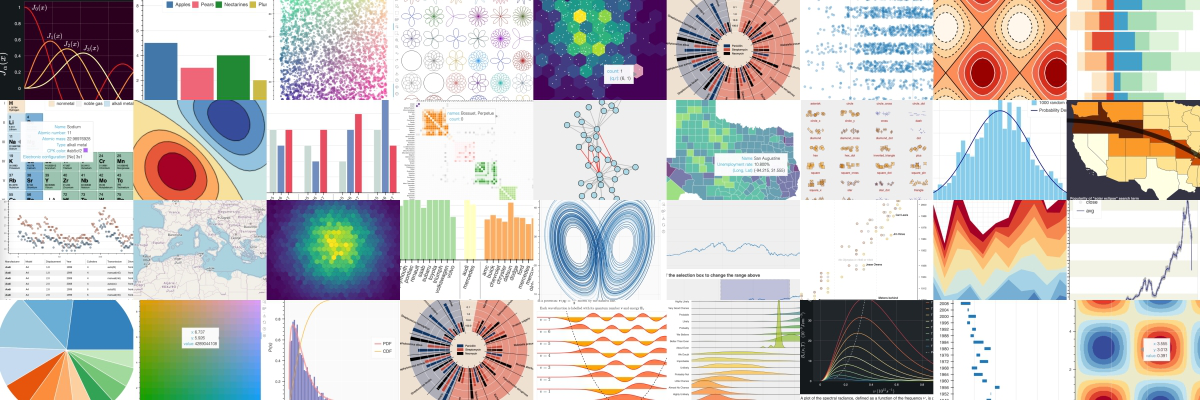
Bokeh provides tools for creating interactive visualizations for modern web browsers, with a Python library and BokehJS for JavaScript. It helps you build interactive graphics, ranging from simple plots to complex dashboards with streaming datasets. With the Python library, you can create JavaScript-powered visualizations without writing any JavaScript yourself.
Finding the right documentation resources#
Bokeh’s documentation consists of several components:
If you are new to Bokeh
Follow these guides to get started:
First steps: simple tutorials that walk you through installing Bokeh and creating your first visualizations.
User guide: explanations of all key functionalities of Bokeh and how to use them. Includes several standalone examples.
If you have some basic knowledge of Bokeh
Learn more by exploring examples:
Gallery: a collection of examples with source code.
Interactive tutorial notebooks: a collection of interactive notebooks to experiment with all elements of Bokeh.
User guide: explanations of all key functionalities of Bokeh and how to use them, including examples.
If you need more advanced information
Get to know every aspect of Bokeh:
Reference guide: detailed information about all of Bokeh’s components.
Contributor guide: information on the various ways you can contribute to the Bokeh project.
Connecting with the Bokeh community#
There are various ways to get in touch with the Bokeh community:
The Bokeh Discourse is the best place to ask usage questions and is a great way to get feedback from other users on how to approach a problem.
Questions involving pandas or other libraries may find a wider audience by posting with the “bokeh” tag on Stack Overflow.
If you think you’ve found a bug, or would like to request a feature, please report an issue at Bokeh’s GitHub repository.
You can also find more information about Bokeh on Medium, and LinkedIn.